Start with a clear source
Upload a JPG, PNG, or WEBP under 10 MB. Keep the subject and important edges visible.
 ImageRework
 Choose the drawing medium, line character, paper texture, and level of detail. This page remains outside the sitemap until dedicated sketch examples pass review.
JPG, PNG or WEBP · up to 10 MB
Use a clear photo and one main change. Avoid explicit or graphic content. Avoid long passages of exact text, brand logos, and watermarks. Small generated lettering, including date stamps, may be inaccurate.
Say what to change and what to keep.
Upload a photo first to enable this button.
Charged only after a result is saved. Failed edits use 0 credits.
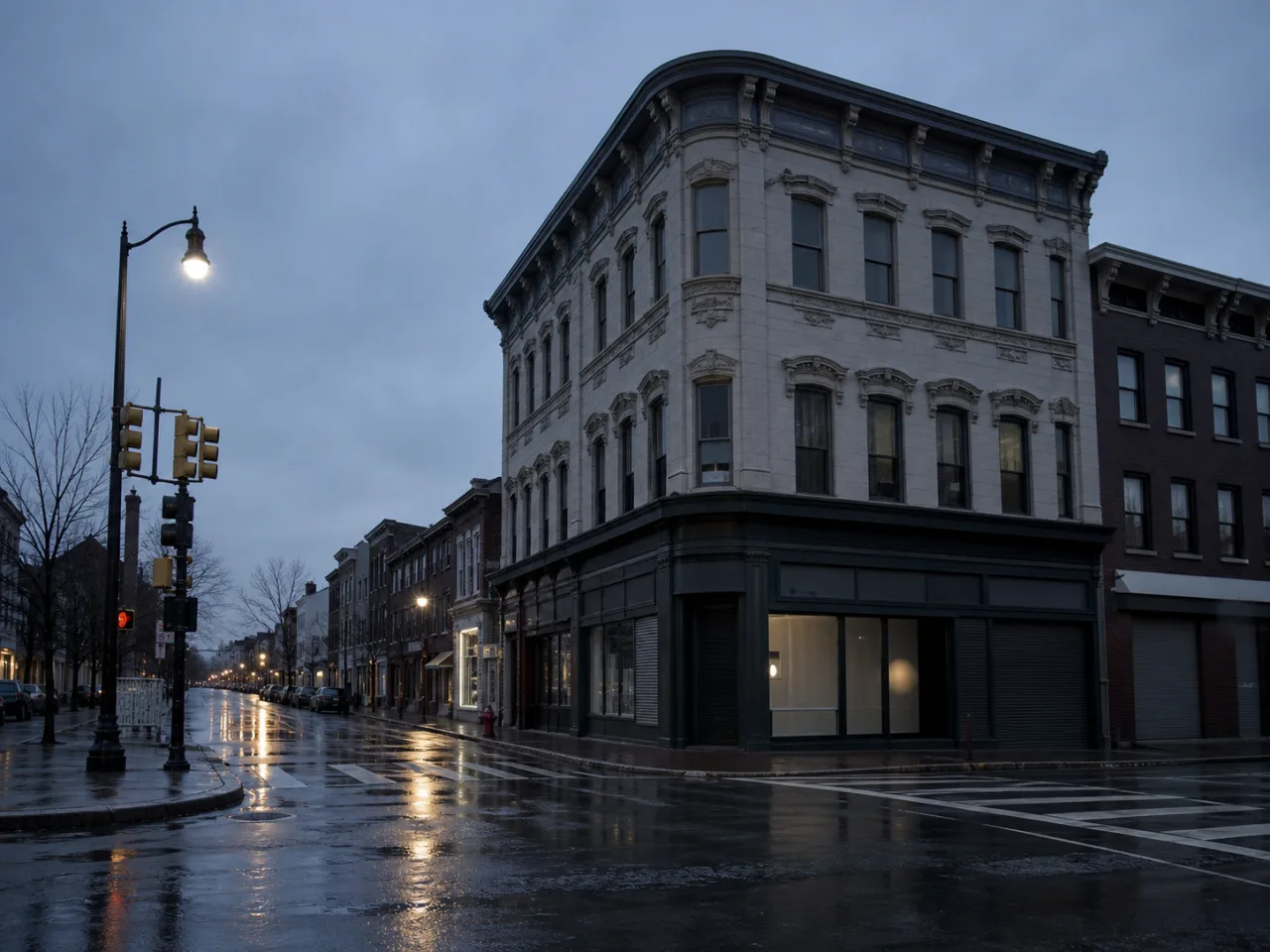
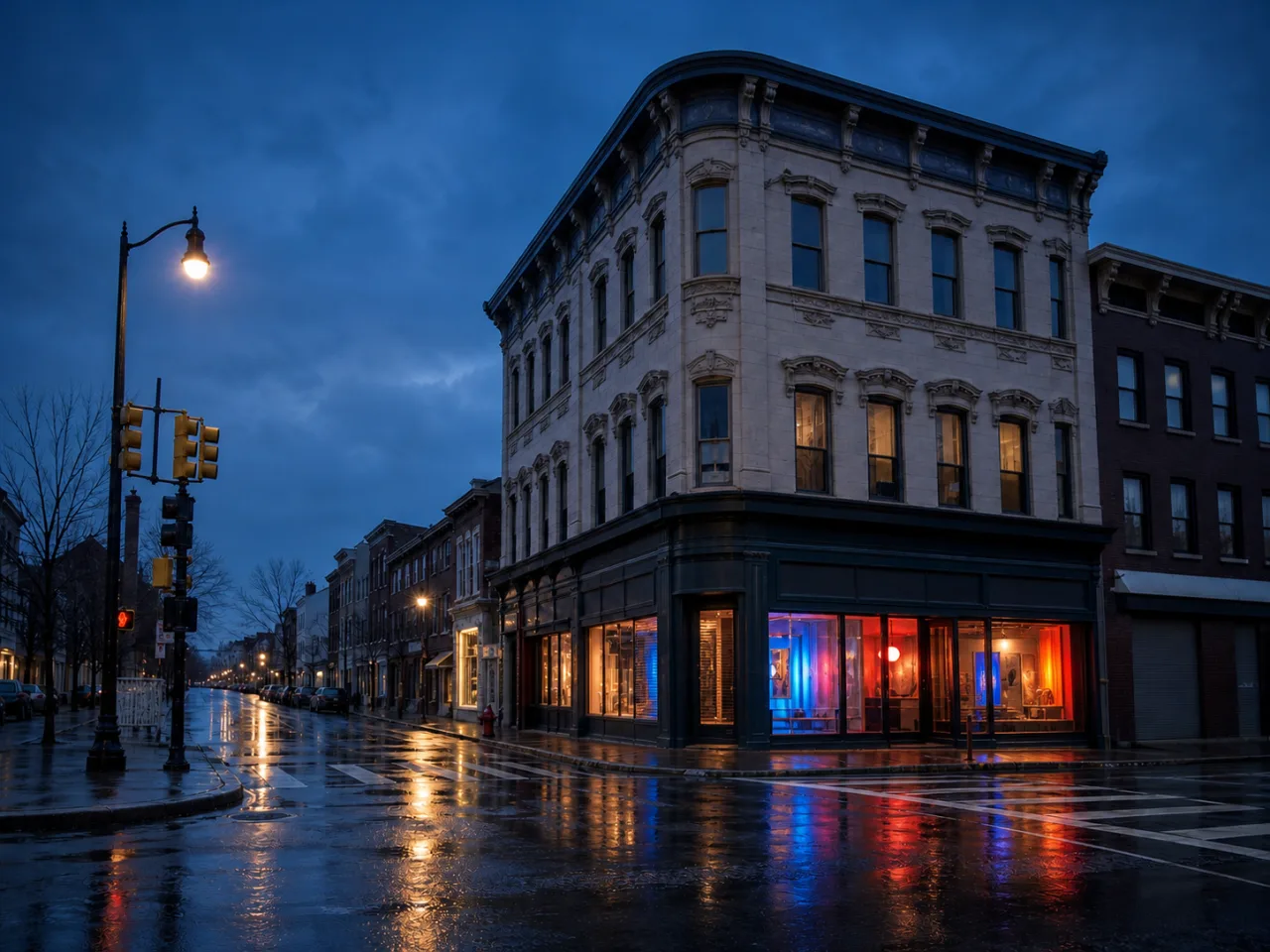
Demo prompt Open the corner shop with cobalt, coral, and amber light. Keep the building and camera angle.
The workflow above is usable now. Dedicated examples are still under review, so this page is intentionally excluded from search indexing and the sitemap.
Upload a JPG, PNG, or WEBP under 10 MB. Keep the subject and important edges visible.
Say what should change, then list the face, pose, product, text, or composition that should stay.
Compare before and after. Mark up to five areas for a more focused follow-up version.
Create a drawing direction from an existing pose and expression.
Give a product, room, or landscape a deliberate hand-drawn treatment.
Compare graphite, charcoal, ink, and looser illustrative approaches.
You can describe graphite, charcoal, ink, cross-hatching, loose gesture lines, paper texture, and the desired amount of shading.
Ask to preserve identity and facial proportions, but review the result because a strong art style can shift small details.
Yes. Mark the area and ask for more or less line detail in a follow-up version.