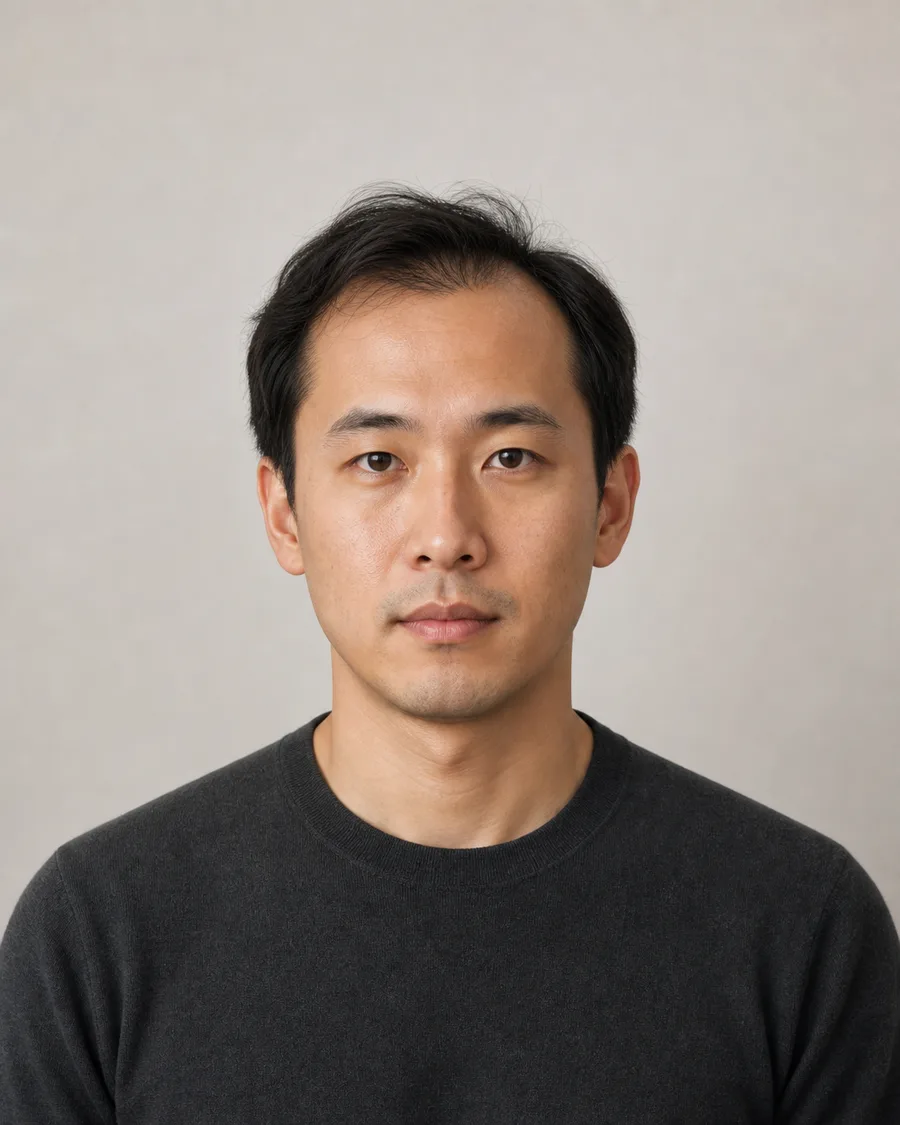
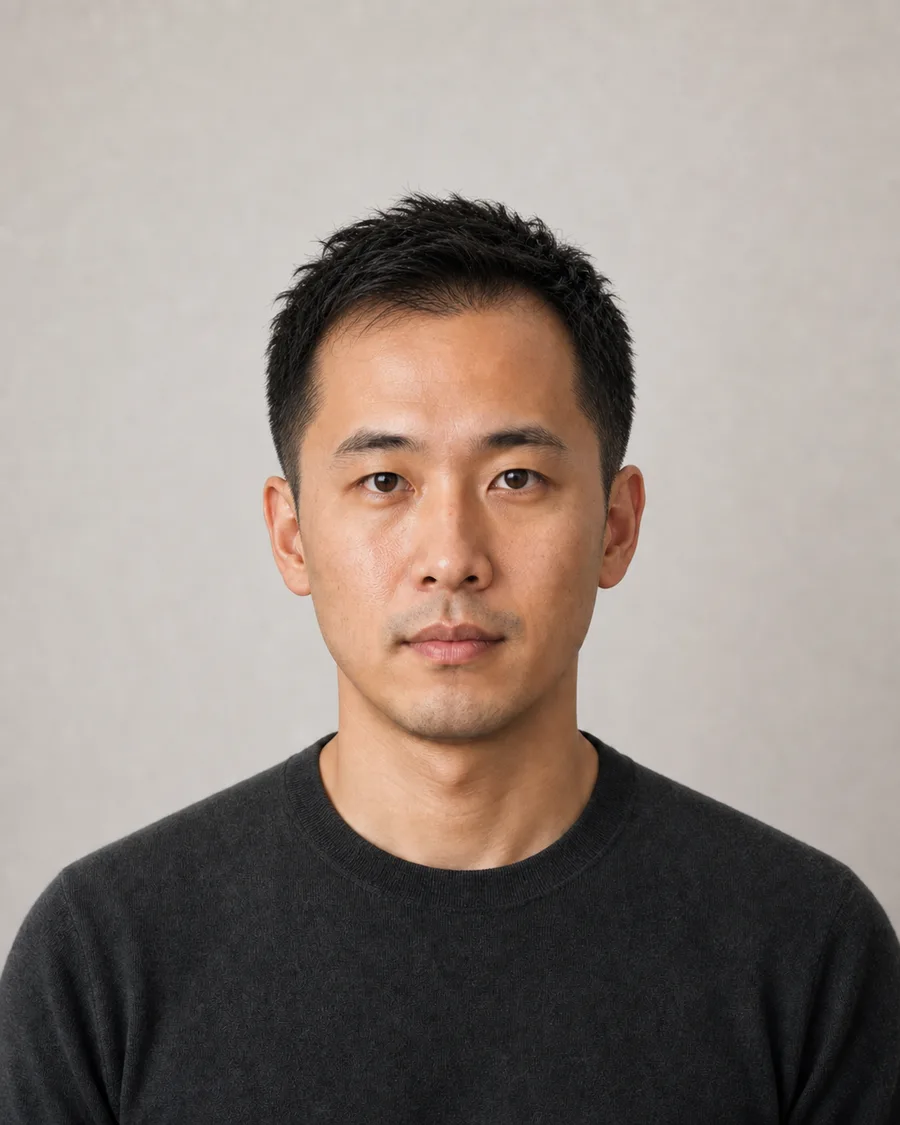
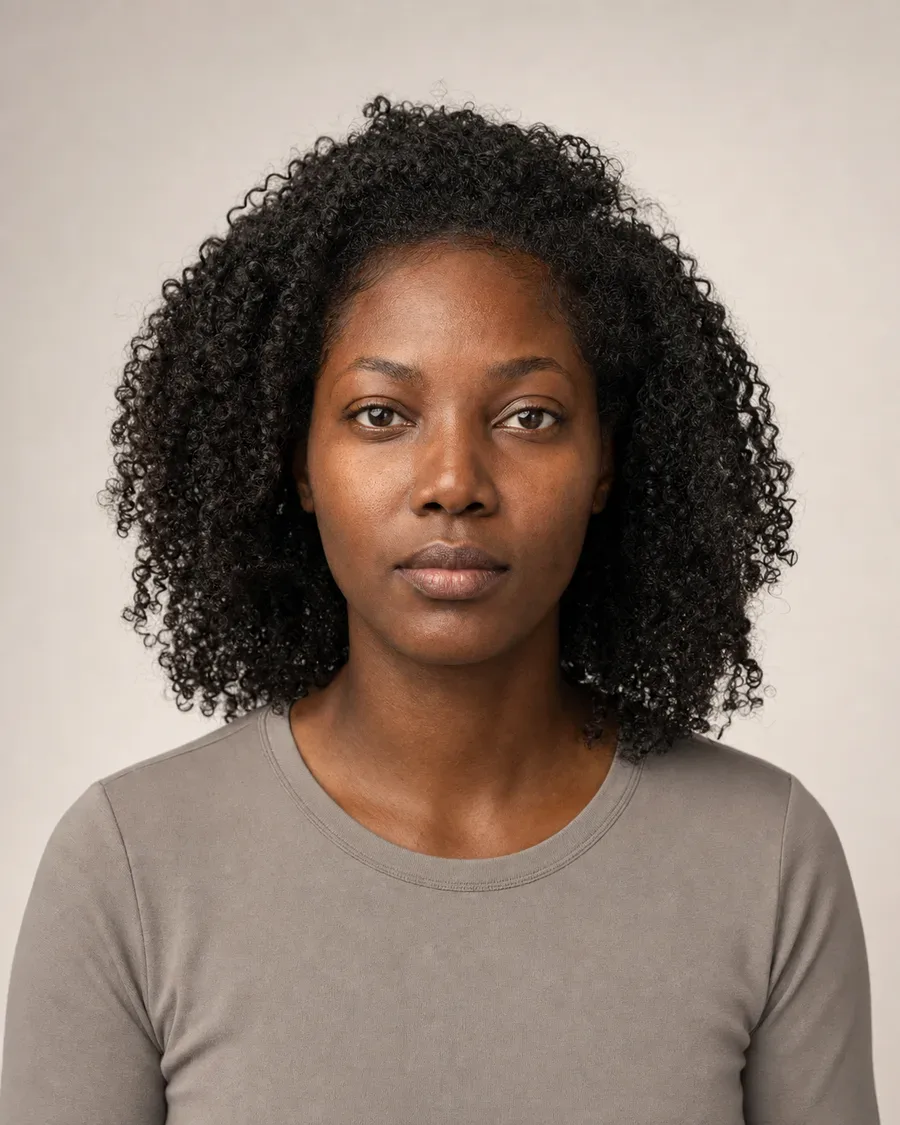
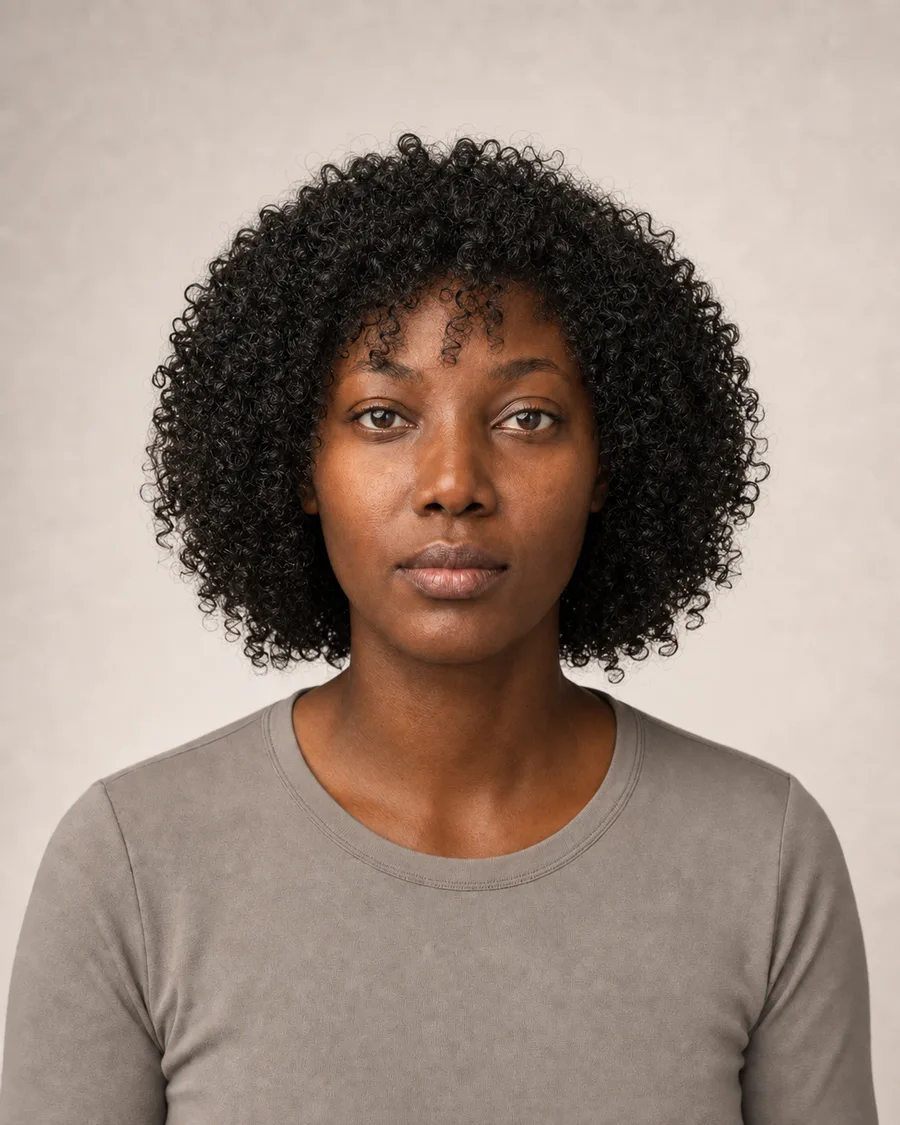
Upload a clear portrait, describe the cut in concrete terms, and preserve identity details. If the fringe, hairline, or volume needs attention, mark those areas for a focused follow-up.
1
Upload photo
JPG, PNG or WEBP · up to 10 MB
Drop a photo hereor click to choose
Use a clear photo and one main change. Avoid explicit or graphic content. Do not ask the edit to add text, logos, or watermarks.
2
Describe the change
Say what to change and what to keep.
Upload a photo first to enable this button.
Charged only after a result is saved. Failed edits use 0 credits.
One prompt. A visible difference.
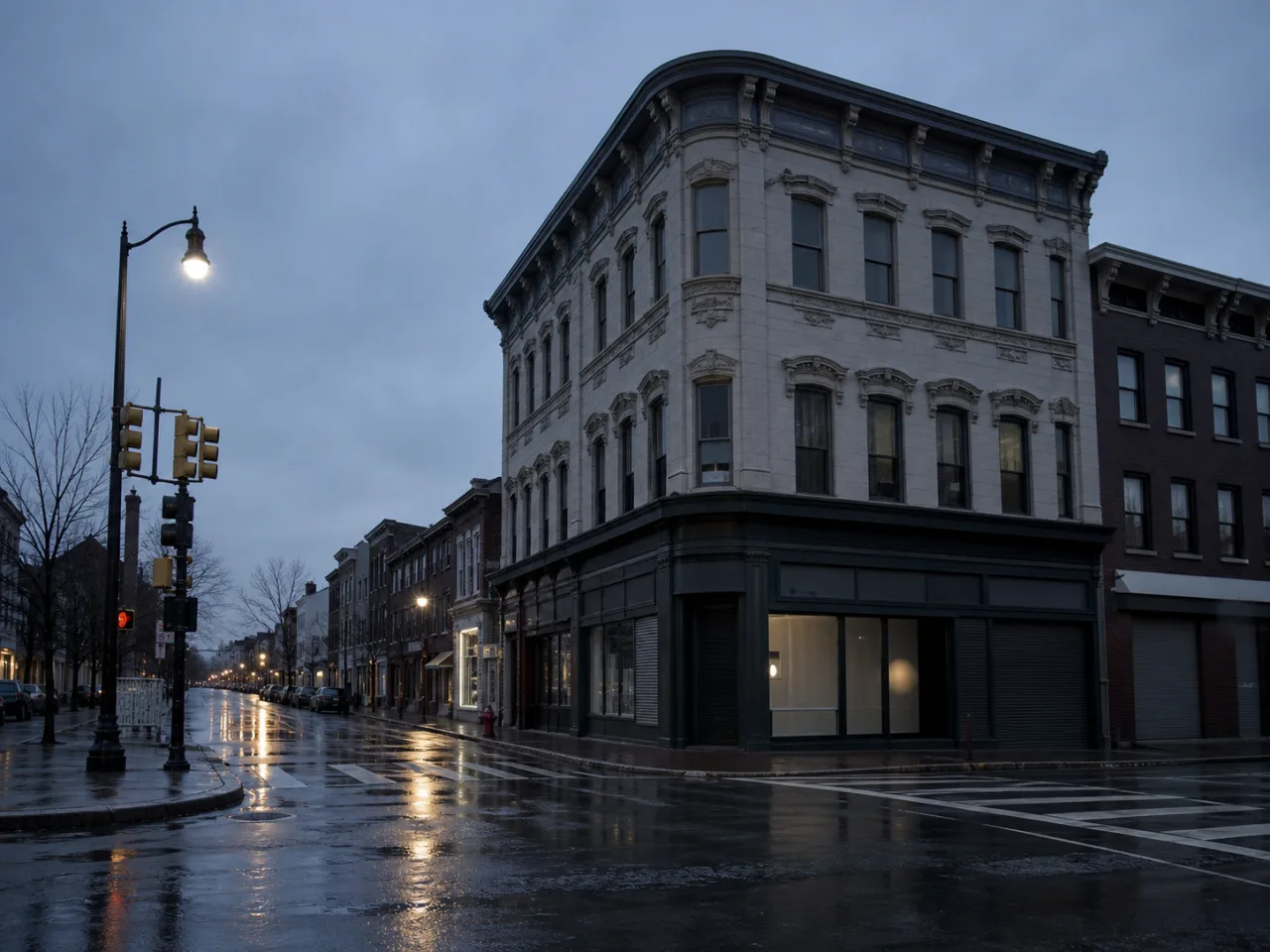
Before
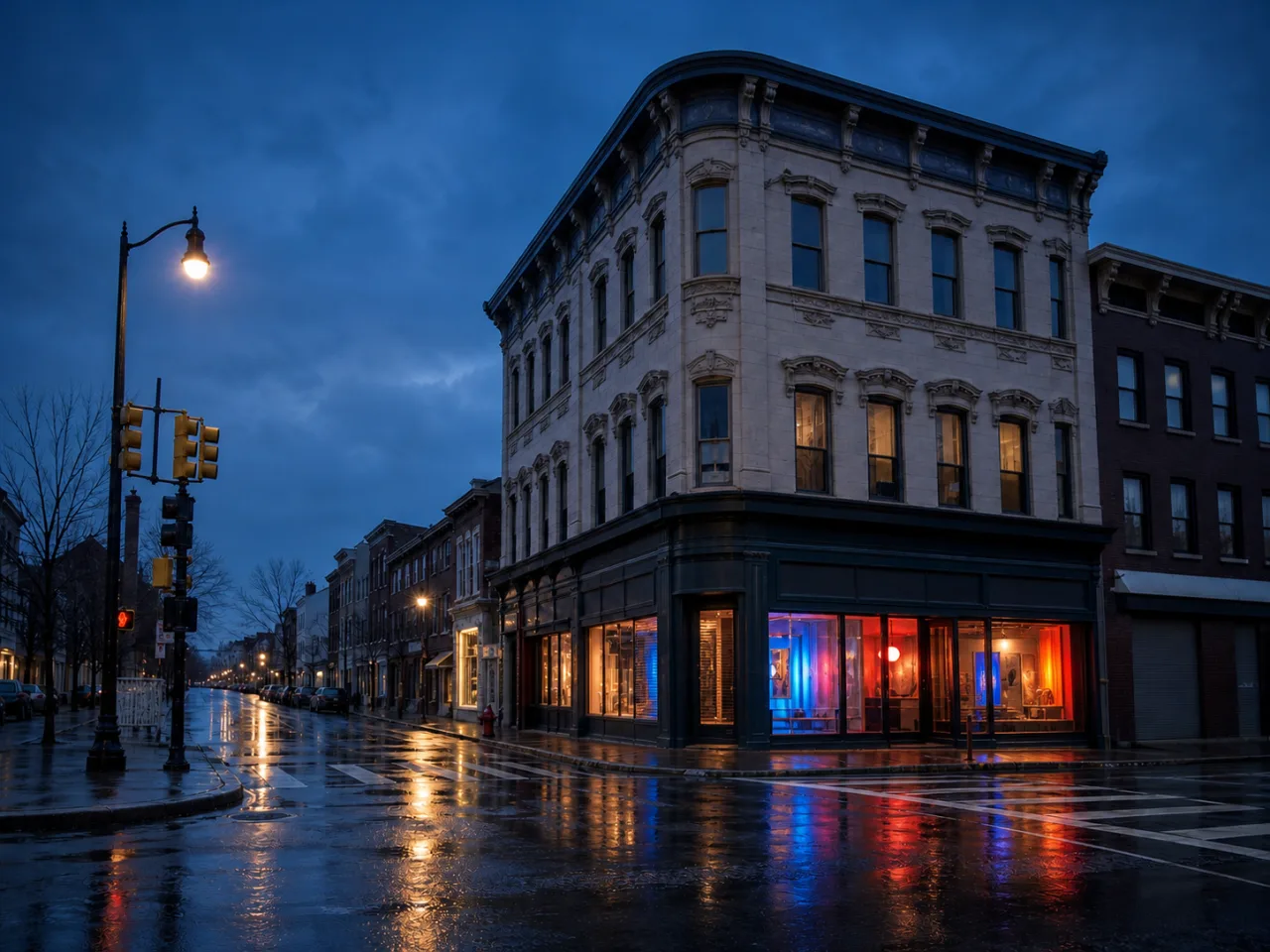
After
Demo prompt Open the corner shop with cobalt, coral, and amber light. Keep the building and camera angle.
✓Change the whole image
✓Compare before and after
✓Mark up to 5 areas to refine
Reviewed examples
What a specific prompt can change
Each example names both the requested change and the details that should be preserved.
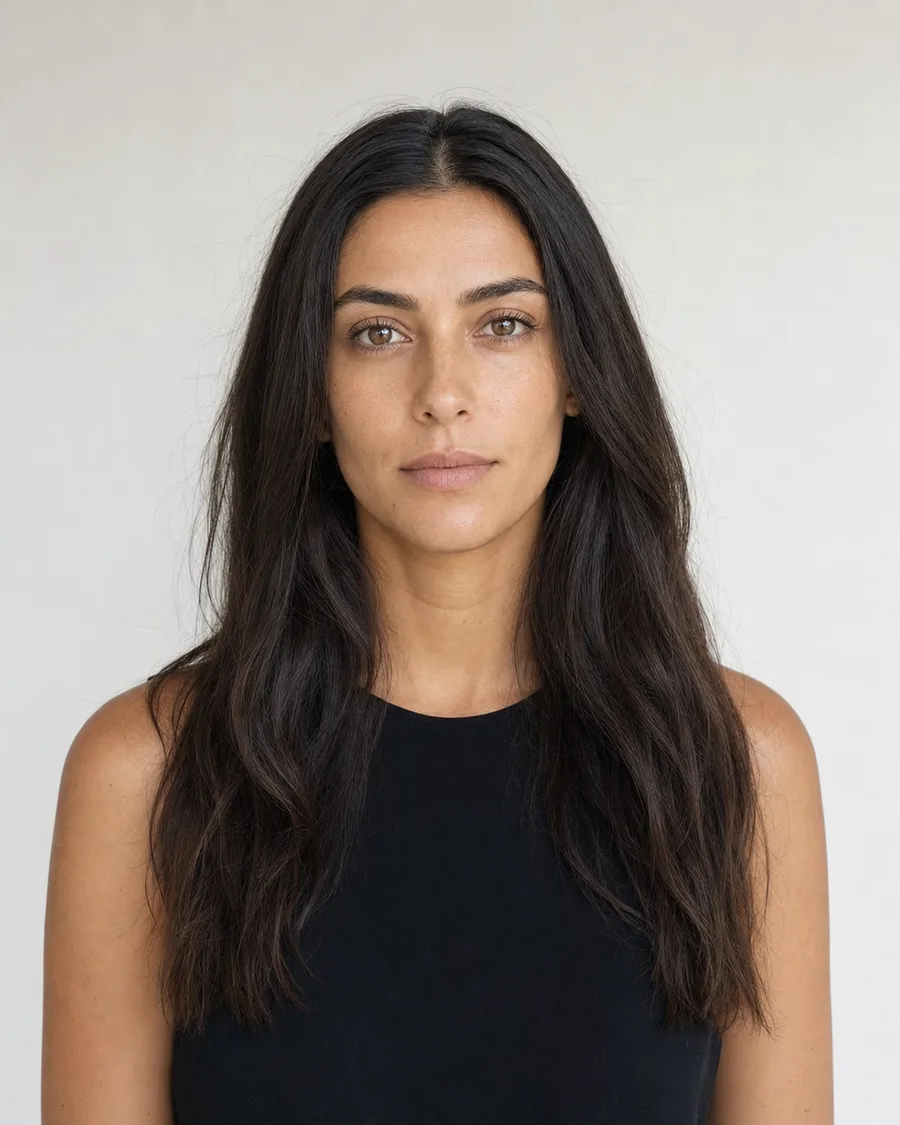
Before
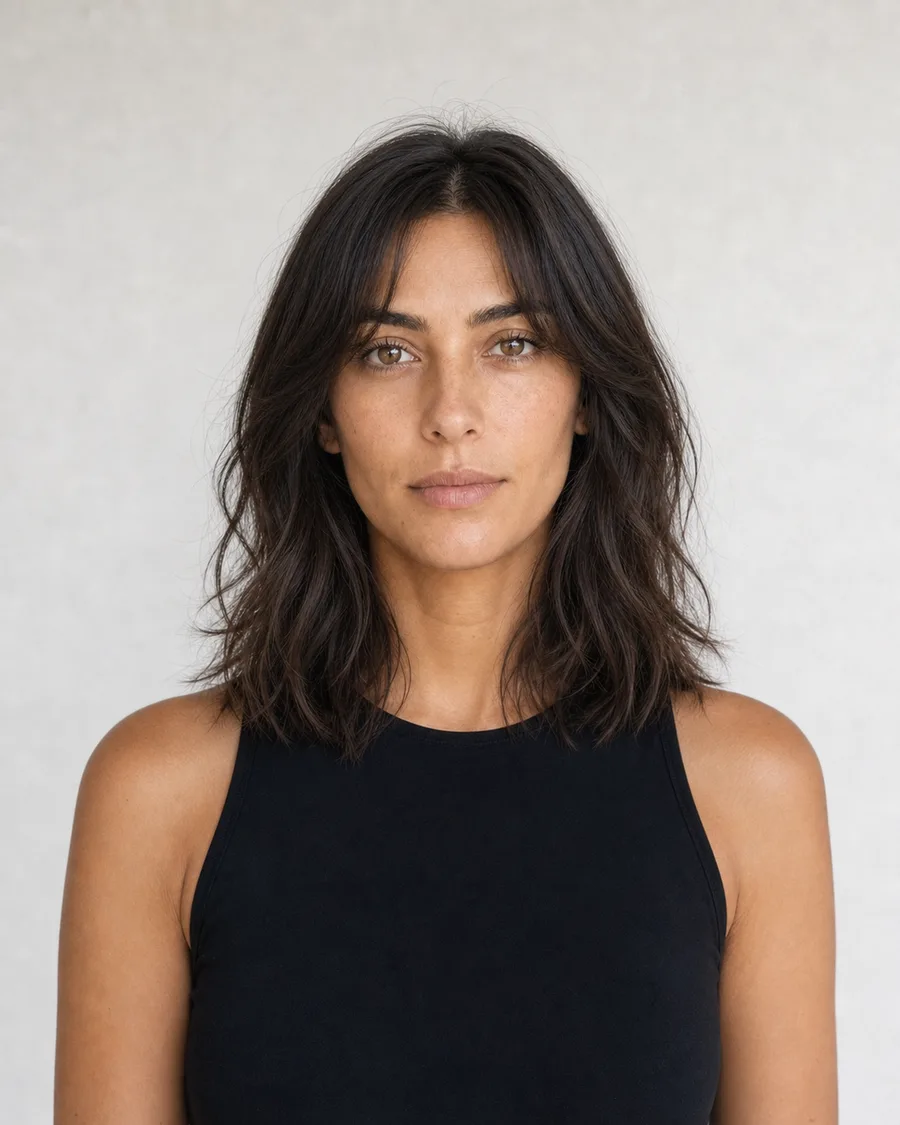
After
Try a polished shoulder-length cut
Prompt “Change the hairstyle to a polished shoulder-length cut with soft face-framing layers. Keep the face, pose, and lighting unchanged.”
Create a hairstyle preview that is useful in a real conversation
An AI hairstyle changer can help compare silhouette, length, fringe, texture, and broad color direction before an appointment or shoot. It cannot predict density, growth pattern, maintenance, or how a real cut will fall after washing. The most useful workflow preserves identity, changes one hair decision at a time, and treats the result as a visual reference for discussion rather than a guaranteed outcome.
Case 01
Compare length without changing the person
Length changes are easiest to judge when the portrait is front-facing, sharp, and shows the complete hair outline. Describe where the new length ends—chin, shoulder, collarbone, or mid-back—and name the shape around the face. Preserve facial proportions, expression, head angle, ears, shoulders, clothing, background, and light.
PromptChange only the hairstyle to a polished shoulder-length cut ending at the collarbone, with soft face-framing layers. Preserve identity, face, expression, head angle, clothing, background, and lighting.Use
Review: Check the jaw, ears, forehead, neck, and shoulder line against the source. Look for invented earrings, shifted facial features, or hair that intersects clothing unnaturally. Mark the hair boundary if the main silhouette works but one edge does not.
Case 02
Explore texture and volume as separate decisions
Requests such as “make it curly” leave too many choices open. Name curl size, definition, volume, part, finish, and whether the hair should look air-dried or styled. If length should remain stable, state that explicitly. Texture can change the apparent outline, so protect the face and head shape while allowing realistic volume around them.
PromptKeep the current length and center part. Change only the hair texture to defined natural curls with medium volume and a soft, realistic finish. Preserve the face, hairline, pose, outfit, background, and light.Use
Review: Compare the hairline and part first, then check curl consistency from root to end. Watch for duplicated strands, disconnected sections, or curls that erase the ear or alter the cheek. A second marker can target the fringe without reopening the entire hairstyle.
Case 03
Preview color without treating it as a salon formula
Broad color families—warm brunette, cool black, copper, honey blonde—are more dependable than a promise of a precise dye result. Preserve skin tone, eye color, makeup, exposure, and background so the comparison is not biased by an overall color grade. Mention roots, highlights, and finish only when they are part of the desired direction.
PromptChange only the hair color to a warm medium brunette with subtle dimensional highlights and natural roots. Keep the haircut, face, skin tone, eyes, makeup, clothing, background, and exposure unchanged.Use
Review: Inspect the forehead, part, eyebrows, eyelashes, and skin. Reject a version that recolors the entire portrait or changes the haircut. Use the image to discuss direction with a stylist; real color depends on the starting hair, condition, and process.
Case 04
Refine a fringe or hairline after the main preview works
A fringe, temple, or part may need more attention even when the new length and texture are useful. Continue from the saved result instead of restarting. Place a marker on the smallest meaningful area and describe the visible edge, density, direction, and relationship to the forehead or eyebrow. Put face and hairstyle preservation rules in the whole-image note.
PromptMake the fringe in this area slightly lighter and more separated, ending just above the eyebrows with natural strand direction. Keep the face, hairline, overall cut, length, texture, color, pose, and light unchanged.Use
Review: Inspect the eyebrow, forehead, temple, and eye shape beside the marker. Then compare the entire face and haircut with the parent version. A local improvement is not useful if identity or the approved silhouette drifts elsewhere.
Choose the right amount of AI
One editor does not make every job the same.
Good for silhouette and direction
Use the preview to compare short versus long shapes, bangs, parting, broad texture, or a color family. These are visual decisions that benefit from a side-by-side image.
Not a fit or maintenance prediction
The result cannot measure density, growth pattern, shrinkage, damage, processing history, or daily styling time. Ask a qualified stylist before making an irreversible change.
Use one branch per concept
Create separate versions for a bob, layers, curls, or color. Comparing clean branches is more informative than combining multiple cuts and colors in one prompt. Keep the source portrait and each accepted branch at the same crop and scale when comparing silhouette. Write down which part of the result is useful and which part is generated interpretation before bringing the image to a stylist. Compare the front, side, and overall outline only when the source actually shows those views.
Before download
Review the image, not just the effect
The checklist turns an attractive result into a reviewable asset. Use it on every saved version, especially when the image contains identity, text, products, architecture, transparent material, or commercial claims.
The source is sharp, well lit, and shows the full hair outline.
Length, texture, fringe, part, volume, and color are described separately.
Identity, expression, head angle, skin tone, clothing, and light are protected.
The result is checked for changes to the face, ears, neck, shoulders, and accessories.
Hairline, fringe, and flyaway problems are handled with focused markers.
The preview is used as creative guidance and discussed with a stylist before a real change.
How to use it
One change first, detail second
1
Start with a clear source
Upload a JPG, PNG, or WEBP under 10 MB. Keep the subject and important edges visible.
2
Name change and preservation
Say what should change, then list the face, pose, product, text, or composition that should stay.
3
Inspect and refine
Compare before and after. Mark up to five areas for a more focused follow-up version.
Good fits
When to use this workflow
Haircut consultation
Compare length and silhouette before discussing a cut with a stylist.
Texture and volume
Explore curls, waves, straighter finishes, or a different amount of volume.
Color direction
Preview a broad color family before making a real-world change.
The prompt explicitly asks it to preserve identity and expression. Generative edits can still shift small facial details, so compare the result carefully.
Which portrait works best?+
Use a sharp, well-lit image where the full hair outline is visible and not heavily covered by hats, hands, or other people.
Can I change just the fringe or hairline?+
Yes. Generate a base result, then mark the fringe or hairline and add a focused instruction for that area.
Can I try more than one hairstyle?+
Yes. Each successful change is stored as a version, so you can explore several directions without overwriting earlier results.